
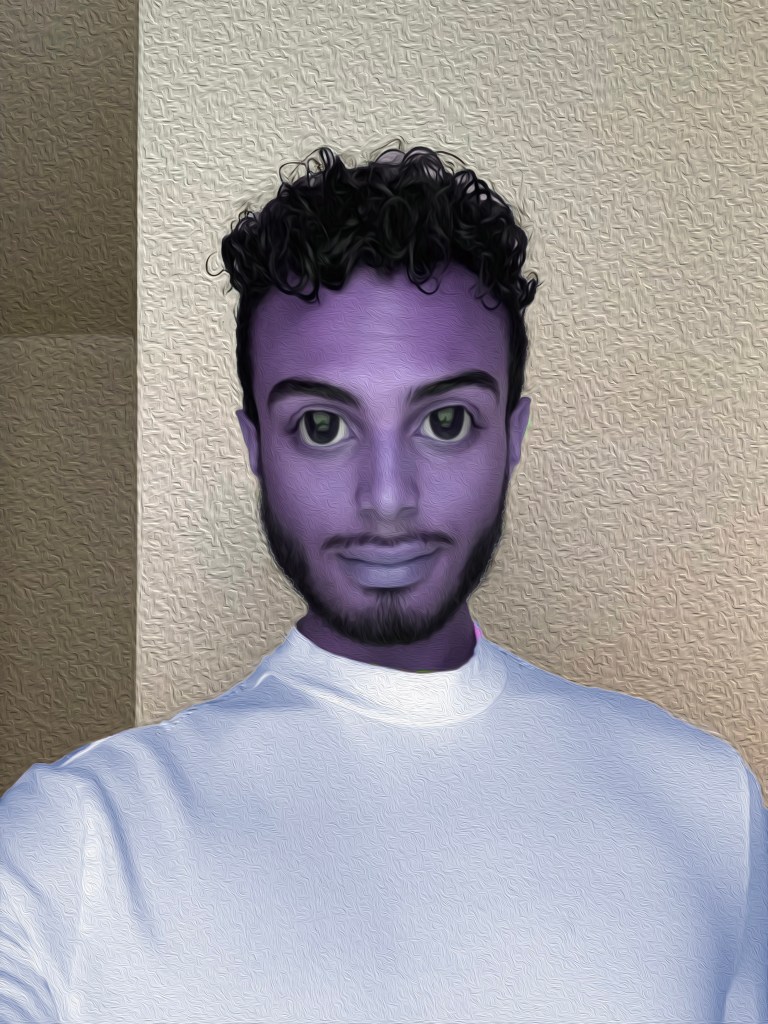
- I used the liquify filter in order to edit my face to appear more anime like. I did this by making my eyes and lips bigger. I also made my nose more narrow and my head longer and rounder. (This feature thought my mustache was my upper lip so I made it thinner to match my face)
- I used the quick select tool to select my shirt, then I change my shirt from white to light purple with the hue/saturation feature. I also used this tool to change my skin to a purple color.
- I used the spherize filter under the distort tab to make my head more narrow. Then I used the spot healing brush tool to clean up the edges around my face.
- Lastly I put an oil painting filter over myself and the background to make it look more like artwork and to add texture.
 Xpress Fashion